


- Joined
- Threads
- 271
- Posts
- 1,276
Hey everyone,
If you have tried getting a fresh AWS SES account approved recently, you already know the frustrating truth: AWS is rejecting almost everyone.
You write a perfect appeal, use a clean domain, and 10 minutes later you get an automated email saying your account is staying in the sandbox. Buying pre-made accounts is expensive, and half the time they get banned the moment you change the IP or log in.
After months of testing different angles, templates, and registration setups, I have perfected a step-by-step method to reliably get AWS SES sender accounts fully approved and out of the sandbox.

This method handles everything from the initial registration details to the exact wording that triggers manual approval from the AWS team.
What This Method Solves:
Pricing
The Blueprint Guide: $59
[The complete step-by-step guide detailing the entire approval process, including my personal appeal templates]
Done-For-You Setup: $118
[I will guide you through creating your account 1-on-1 on Telegram/Discord to ensure you get your first approved account]
Drop a comment below or send me a Direct Message (DM) to secure your copy.
Telegram: ask in pm
Discord: ask in pm
If you have tried getting a fresh AWS SES account approved recently, you already know the frustrating truth: AWS is rejecting almost everyone.
You write a perfect appeal, use a clean domain, and 10 minutes later you get an automated email saying your account is staying in the sandbox. Buying pre-made accounts is expensive, and half the time they get banned the moment you change the IP or log in.
After months of testing different angles, templates, and registration setups, I have perfected a step-by-step method to reliably get AWS SES sender accounts fully approved and out of the sandbox.
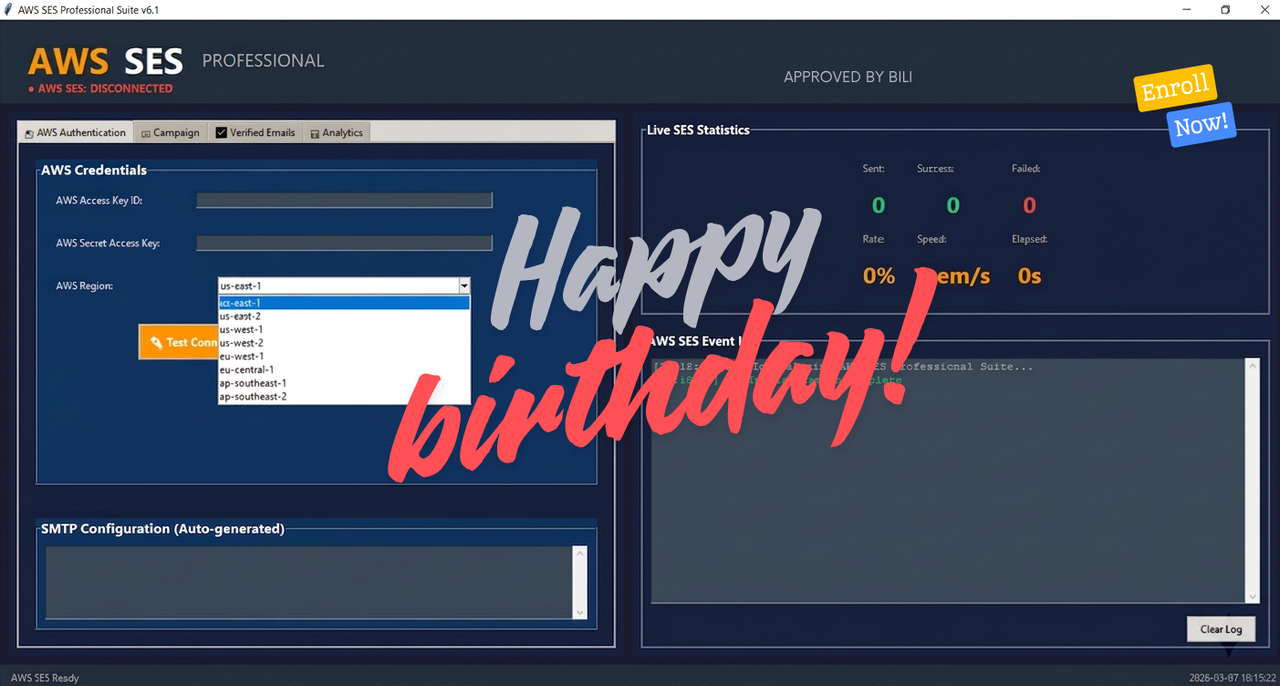
This method handles everything from the initial registration details to the exact wording that triggers manual approval from the AWS team.
What This Method Solves:
- No More Instant Rejections
- The Winning Appeal Formula
- Domain & Warm-up Setup
- Safety Measures
Guarantee / Terms
Because this involves information, I cannot offer refunds once the guide is delivered.
However, if you follow every step perfectly and your first attempt gets rejected, I will personally review your setup and provide a fresh replacement strategy to get you up and running.
Pricing
The Blueprint Guide: $59
[The complete step-by-step guide detailing the entire approval process, including my personal appeal templates]
Done-For-You Setup: $118
[I will guide you through creating your account 1-on-1 on Telegram/Discord to ensure you get your first approved account]
Drop a comment below or send me a Direct Message (DM) to secure your copy.
Telegram: ask in pm
Discord: ask in pm
Last edited: