
- Joined
- Threads
- 4
- Posts
- 14
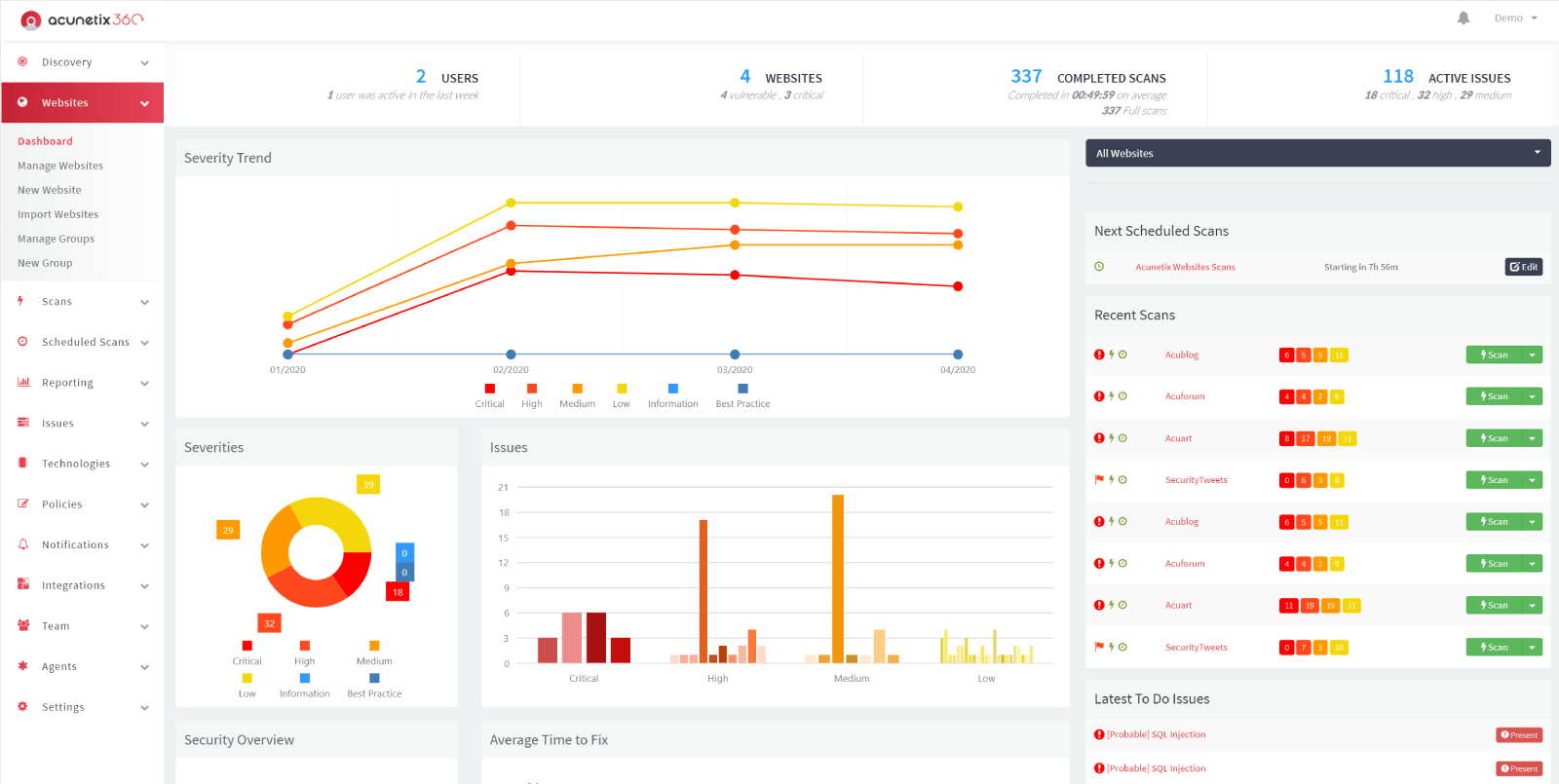
ABOUT
Acunetix is an automated web application security testing tool that audits your web applications by checking for vulnerabilities like SQL Injection, Cross site scripting and other exploitable vulnerabilities. acunetix[.]com
INSTRUCTIONS
Installing over windows 2019 server:
1)Install iis 10 over server roles
2)install "sql2019" SQLEXPR_x64_ENU.exe (Set login mode both domain and login password(set sa password)
3)install "sql2017_smss" SSMS-Setup-ENU.exe
4)open sql manager and create database acu
5)Install WebAppSetup.exe
6)close browser
7)Replace files from files to "C:\Program Files (x86)\Acunetix 360 Web Application\bin\"
8)Open with internet explorer and continue install up to setting key
9)exit browser
10)open sql manager and stop sql server
11)..replace database from db_replace to "C:\Program Files\Microsoft SQL Server\MSSQL15.SQLEXPRESS\MSSQL\DATA\"
12)start sql server
13)open sql manager and make a query
USE [acu]
GO
UPDATE [dbo].[Users]
SET PasswordHash = 'AHeK1pngOMSyoh8rFmWRHtMo1cHcUf9nYezofBFUuliDZbEMhUSMVkyn3ttsazg0sw==',
Email = '[email protected]'
WHERE 'id' = '2F16FABF-4D9C-4A9E-0048-ABEE0187DABD';
14)open
15)log in and get agents\manage agents\configure new agent.... get new token
Write it down!!!
16)install AgentSetup.exe set apikey
17)install AuthVerifierSetup.exe set apikey
18)For final reboot and open
and login as [email protected]:1234Qwer
DOWNLOADS:
You must reply to see the hidden content. Consider upgrading your account to increase your reply limit.
Last edited: