

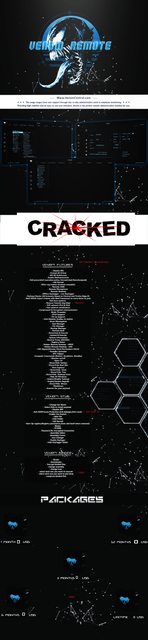
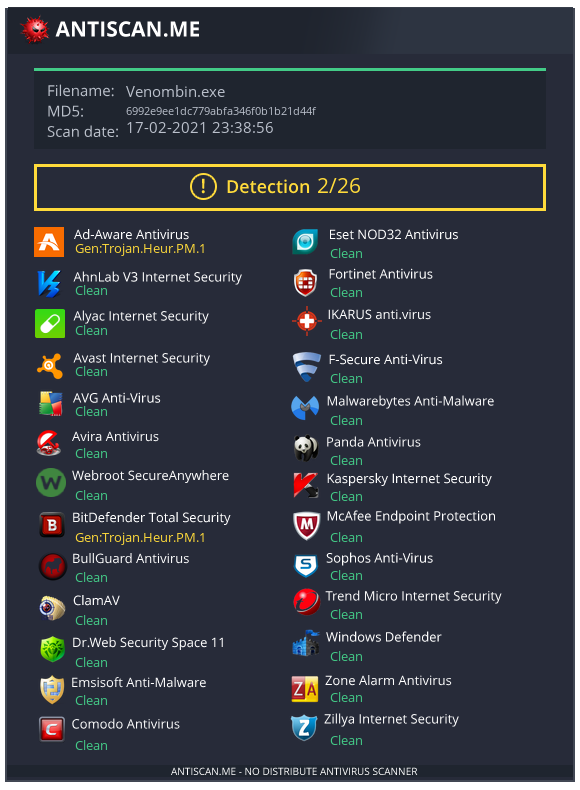
Keep in mind, you are downloading a malware client. Heuristic detections because of Quasar RAT base.
For your safety, run and use on RDP/VPS ONLY.
Port forwarding instructions;
Step 1)
Control Panel > Firewall and Network > Allow an App through Firewall
> Select "VenomRemote cracked.exe"
Step 2)
Control Panel > Windows Defender Firewall > Advanced Settings
Step 3)
a) Inbound Rules > New Rule > Port > TCP > Specific Port you want
Inbound Rules > New Rule > Port > UDP > Specific Port you want
c) Outbound Rules > New Rule > Port > TCP > Specific Port you want
d) Outbound Rules > New Rule > Port > UDP > Specific Port you want
Step 4)
Build your server with your port and your VPS IP address or DNS.
You must reply to see the hidden content. Consider upgrading your account to increase your reply limit.

